Create
Creating a New Backup Workload
To create a new workload:
- Select your project.
- Navigate to Backups → Workloads.
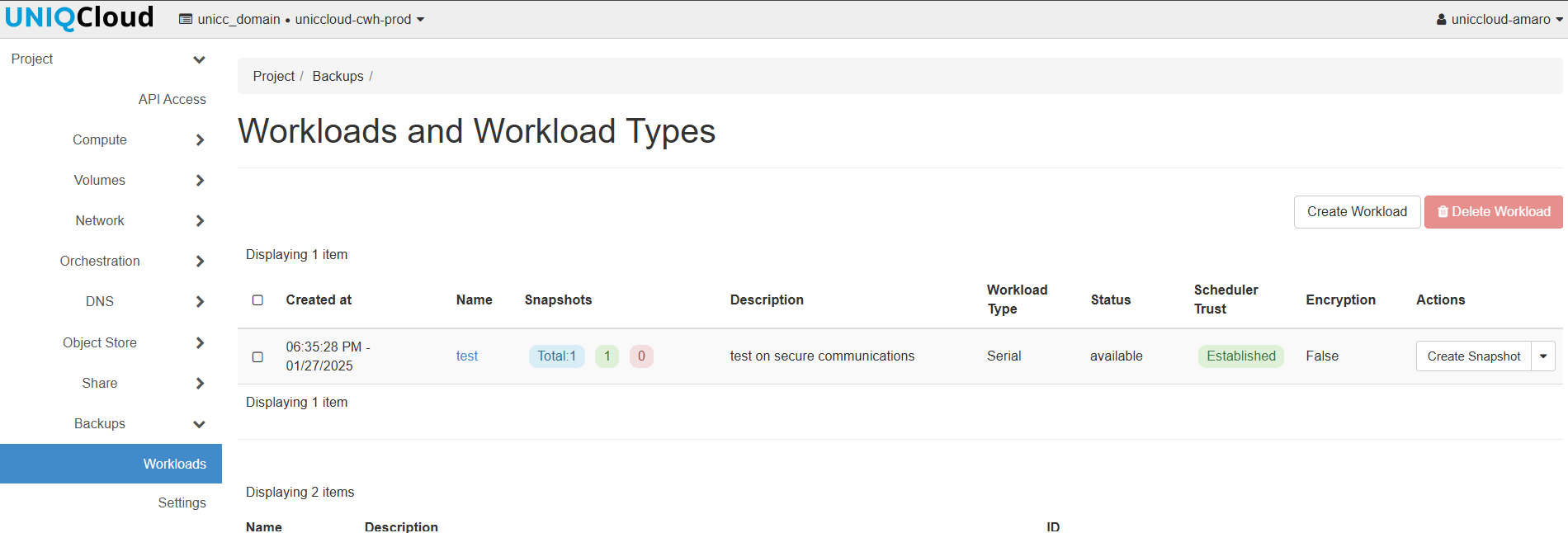
This will open the workload creation window:
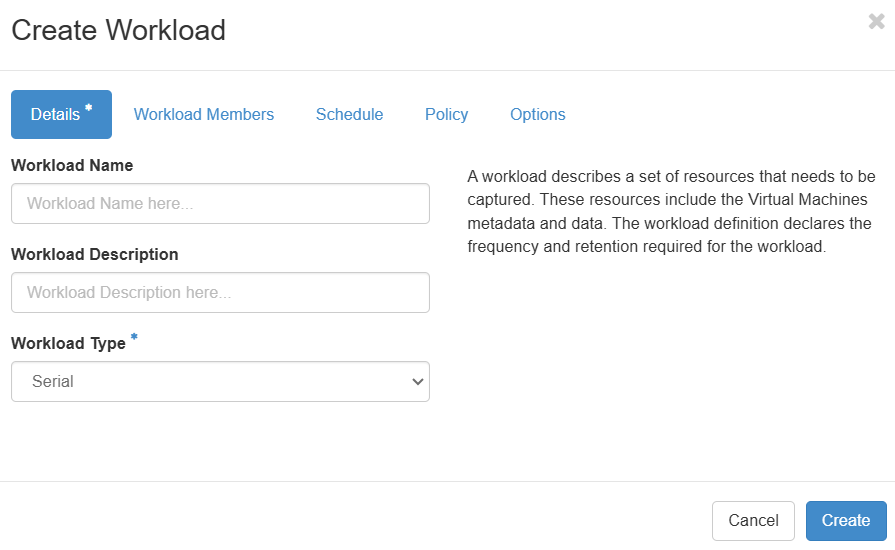
Details Tab
- Workload Name: Enter a name for your workload.
- Workload Description: Add a description (optional).
- Workload Type: Choose between:
- Serial: Backups are performed one at a time, sequentially. Useful for avoiding system resource overload.
- Parallel: Multiple backups run simultaneously, speeding up the process. Ideal for environments with sufficient resources.
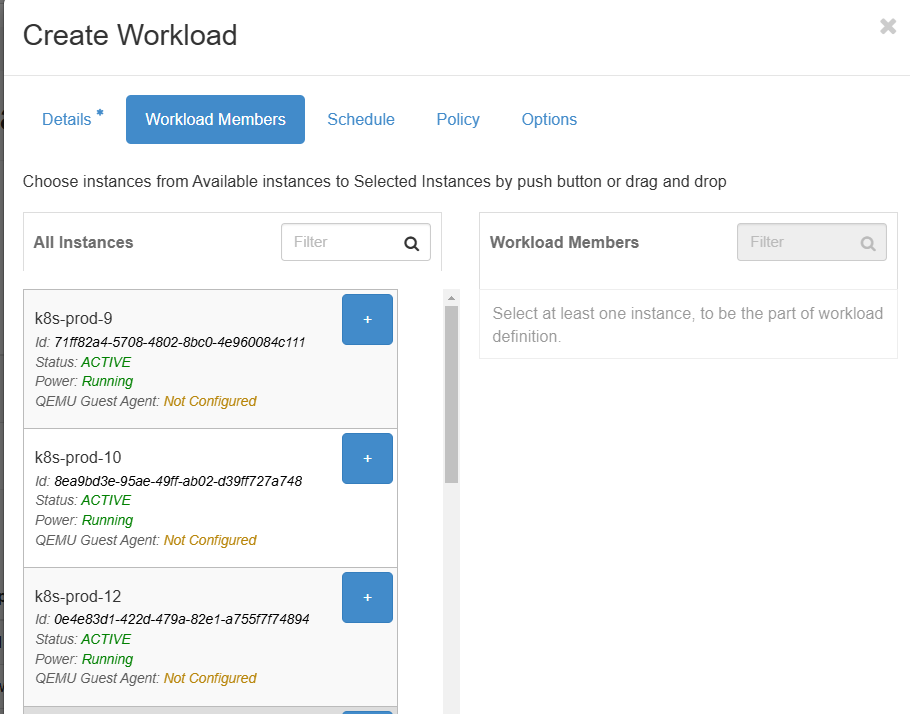
Workload Member Tab
Select the instances you want to include in the backup.
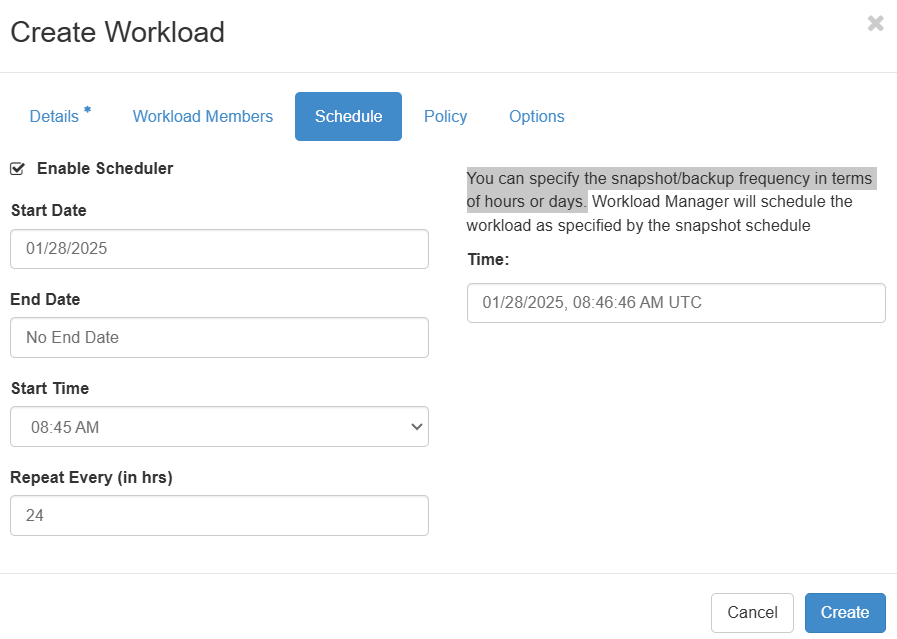
Schedule Tab
Define the frequency of snapshots/backups in hours or days.
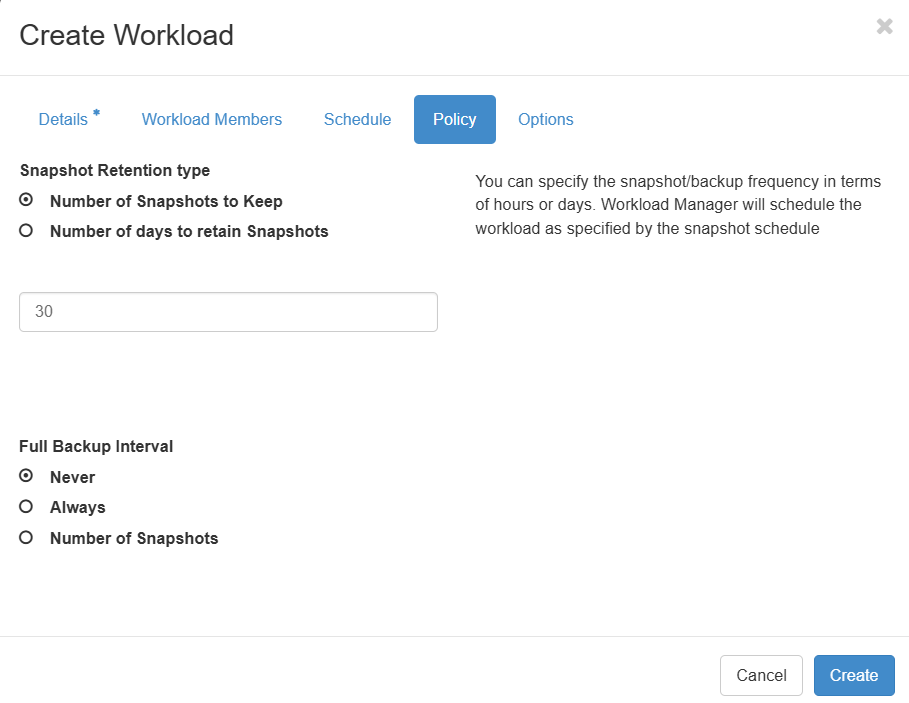
Policy Tab
Specify retention policies for snapshots/backups in terms of hours or days.
Options Tab
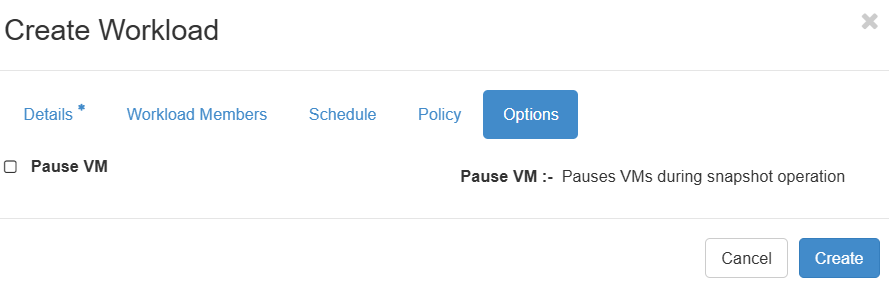
- Pause VMs during snapshot/backup: Enable this option to pause virtual machines during the operation for consistency.